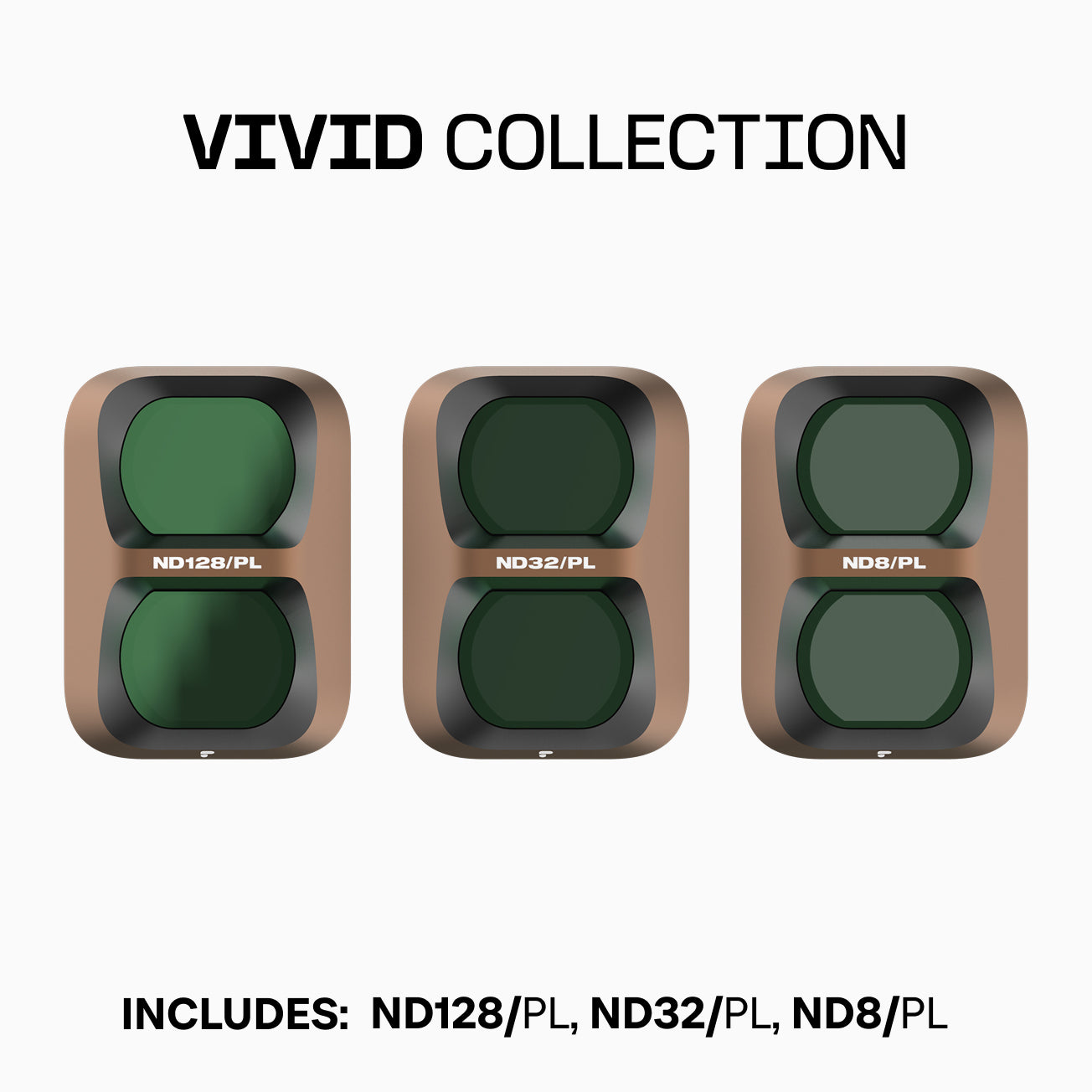
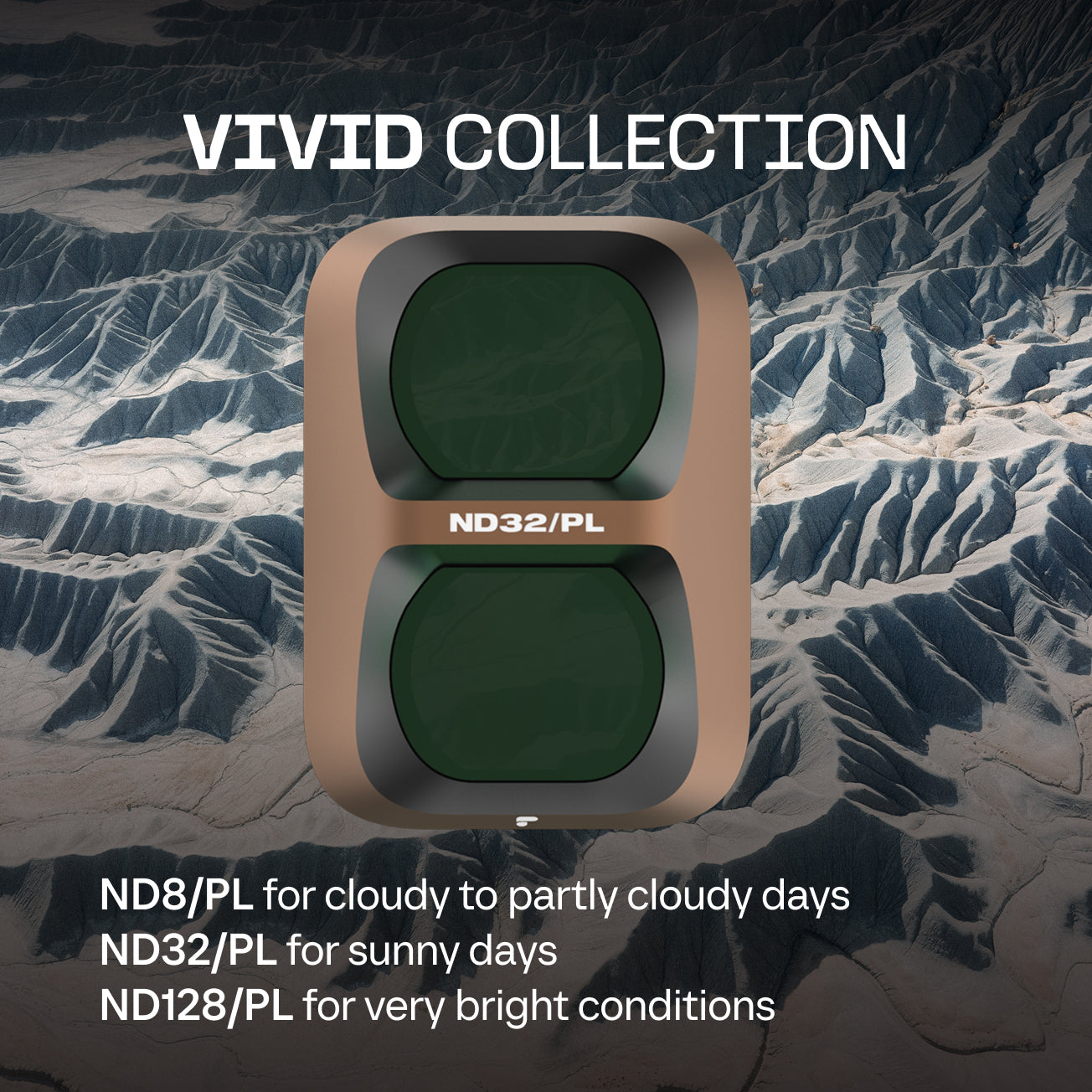
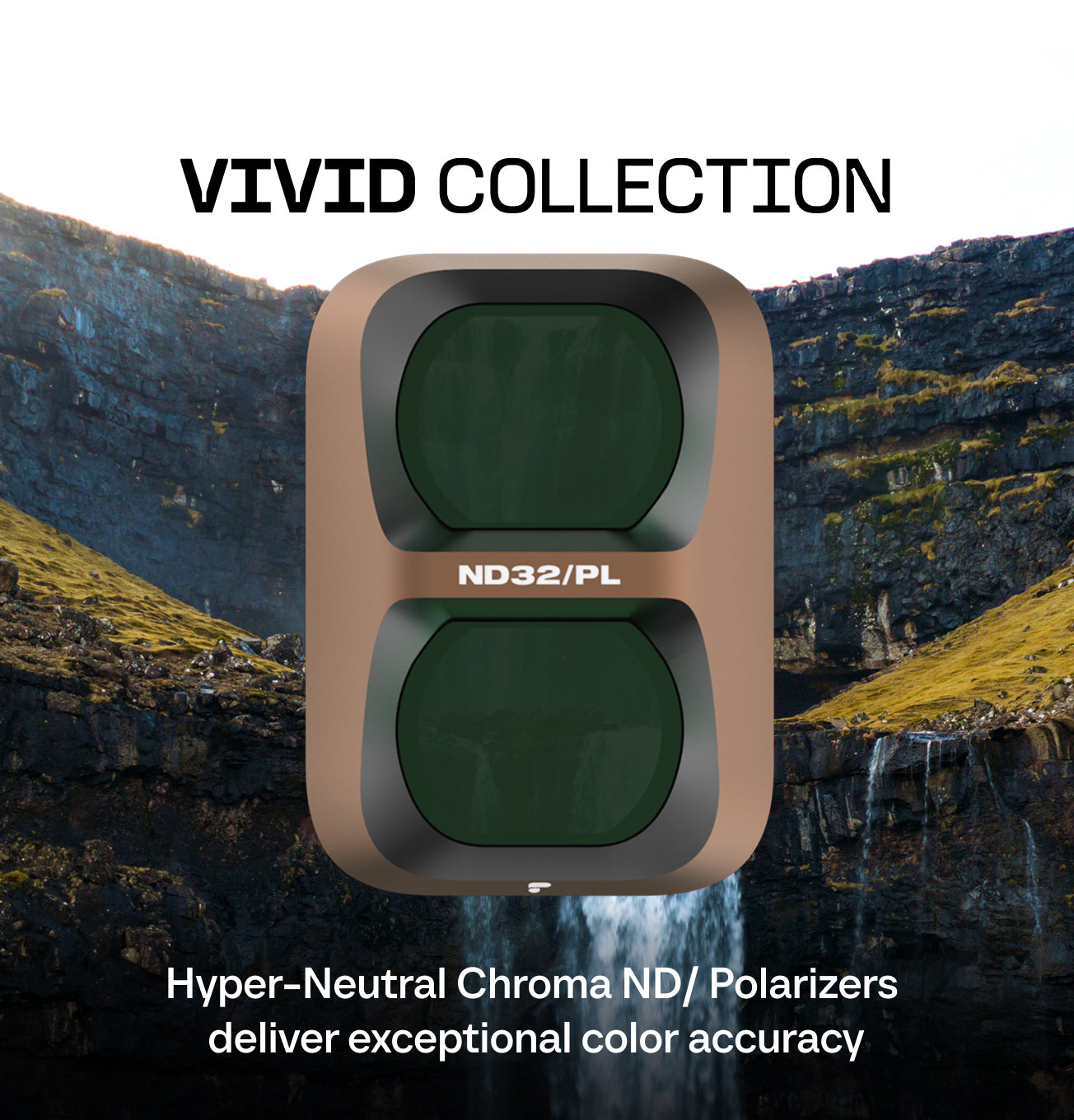
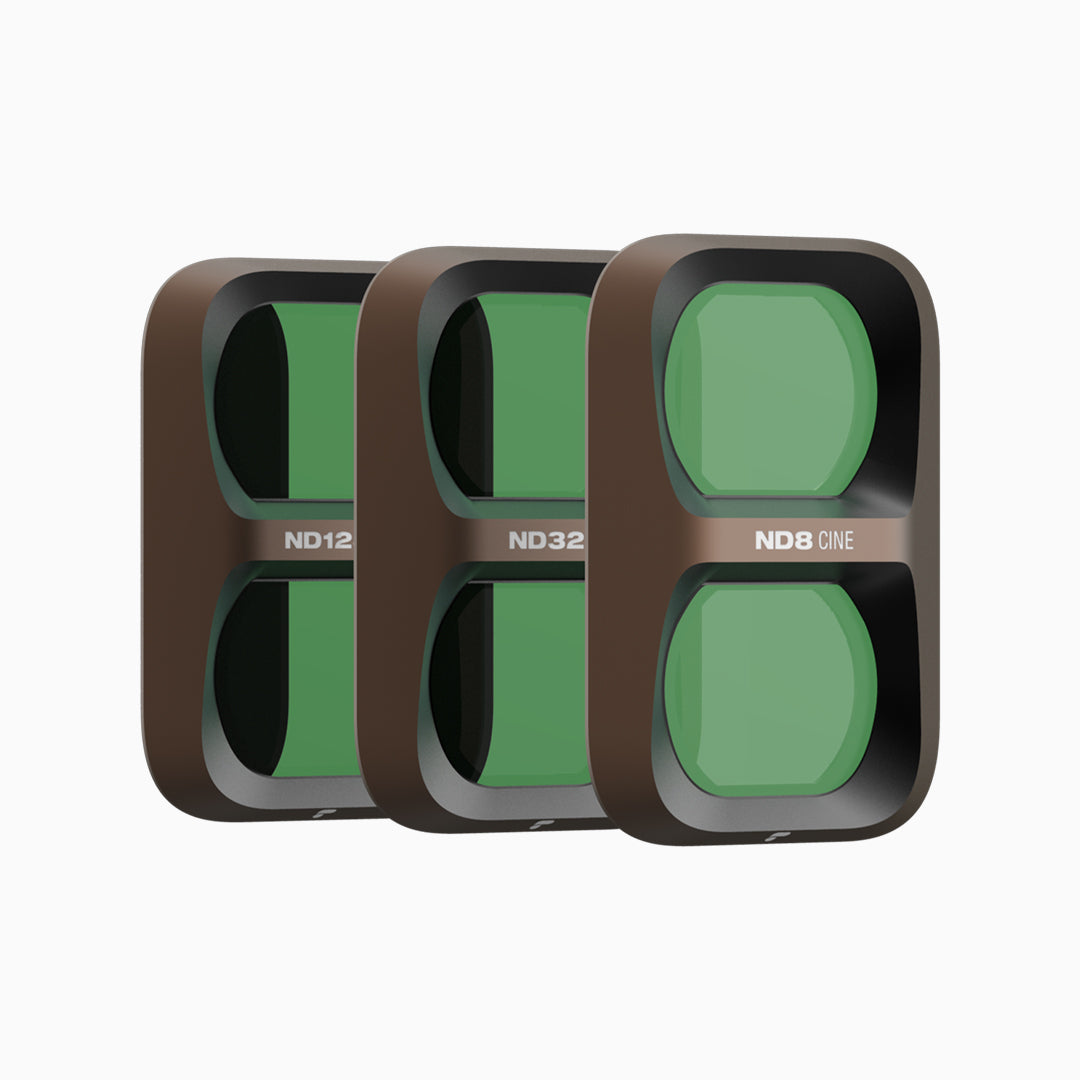
Cinema Series Glass is razor sharp to fully resolve the largest full frame sensors
Compatibility
DJI Pocket 4 Pro
DJI Pocket 4 Pro
DJI Pocket 4 Pro
DJI Pocket 4 Pro
What's Included
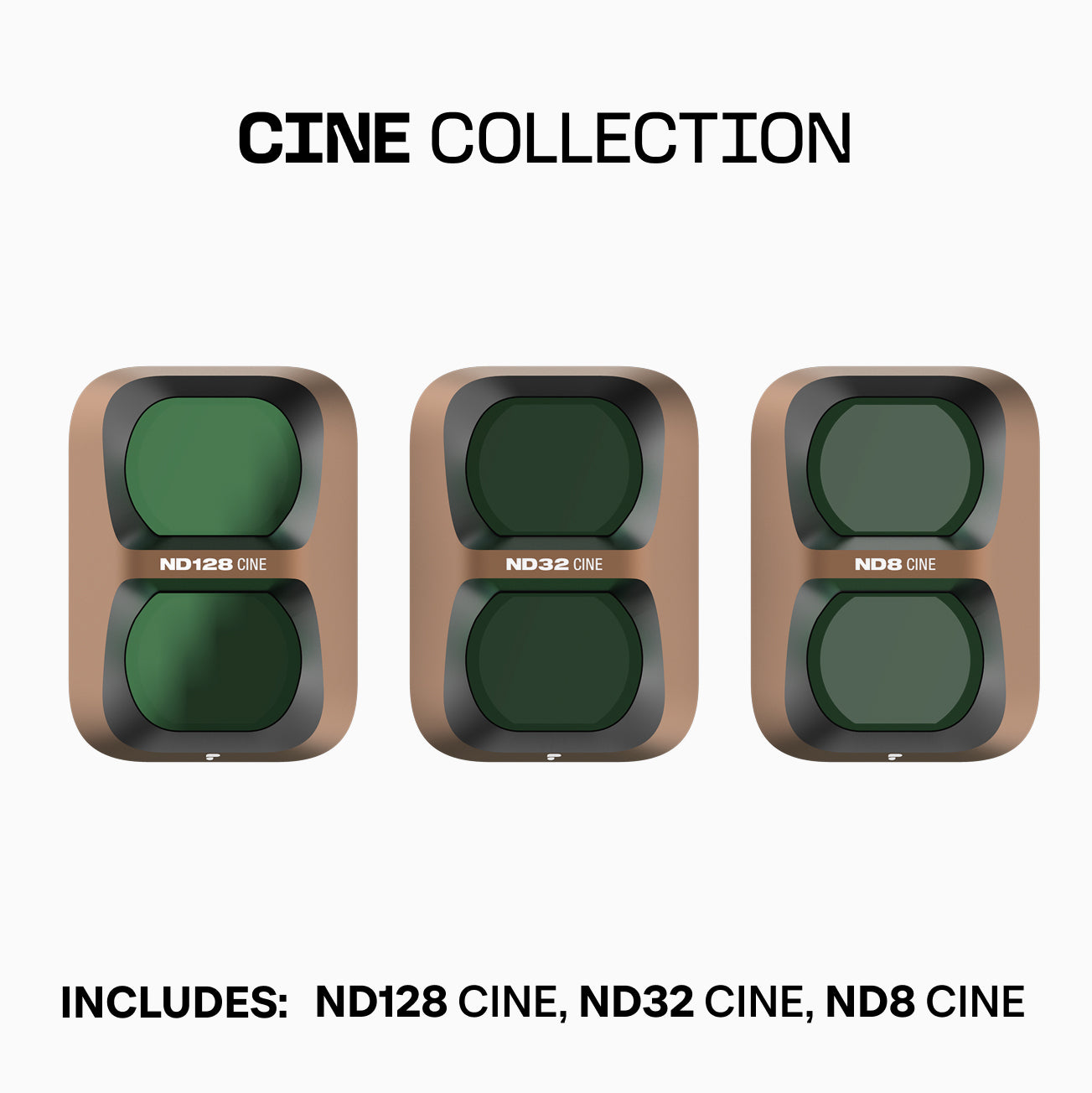
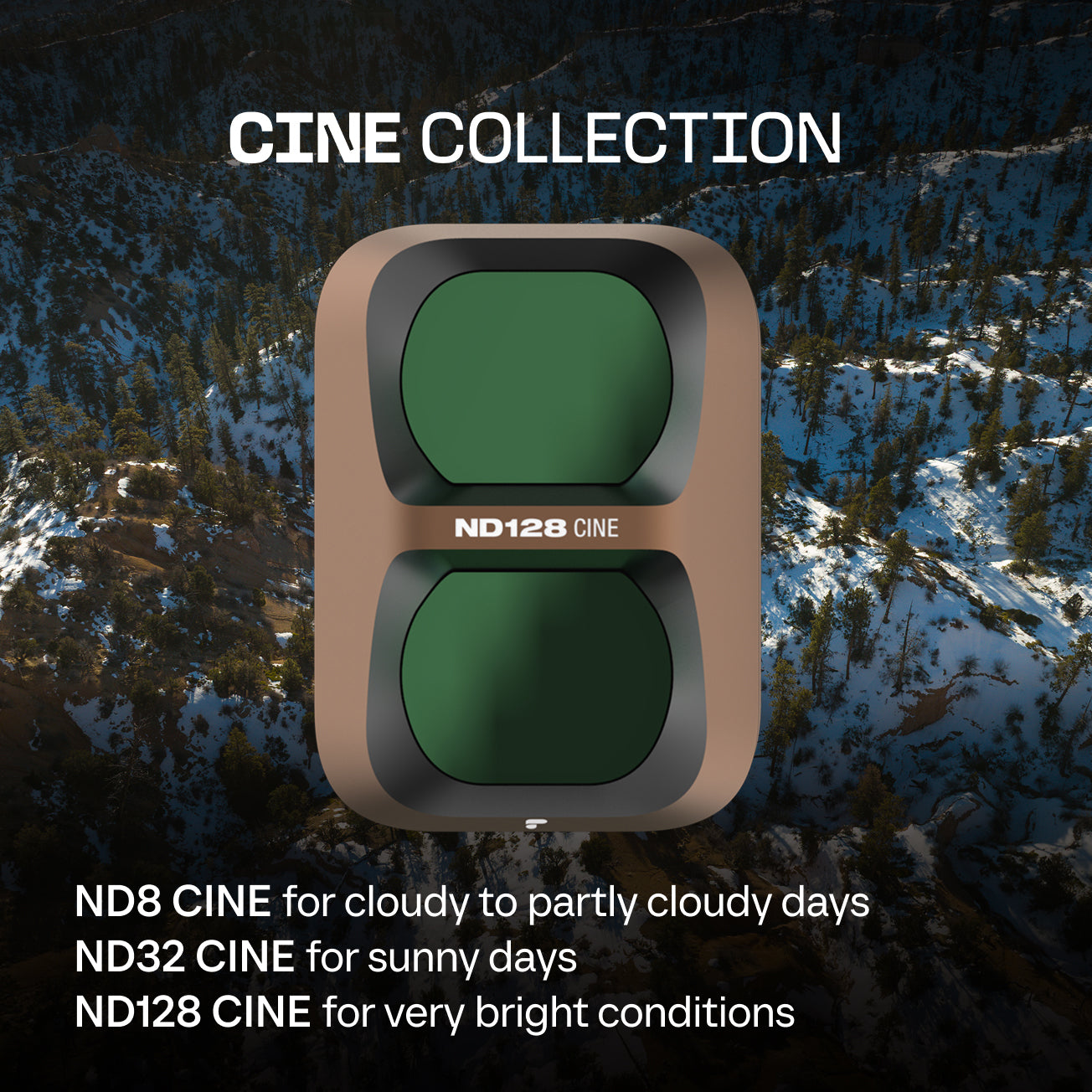
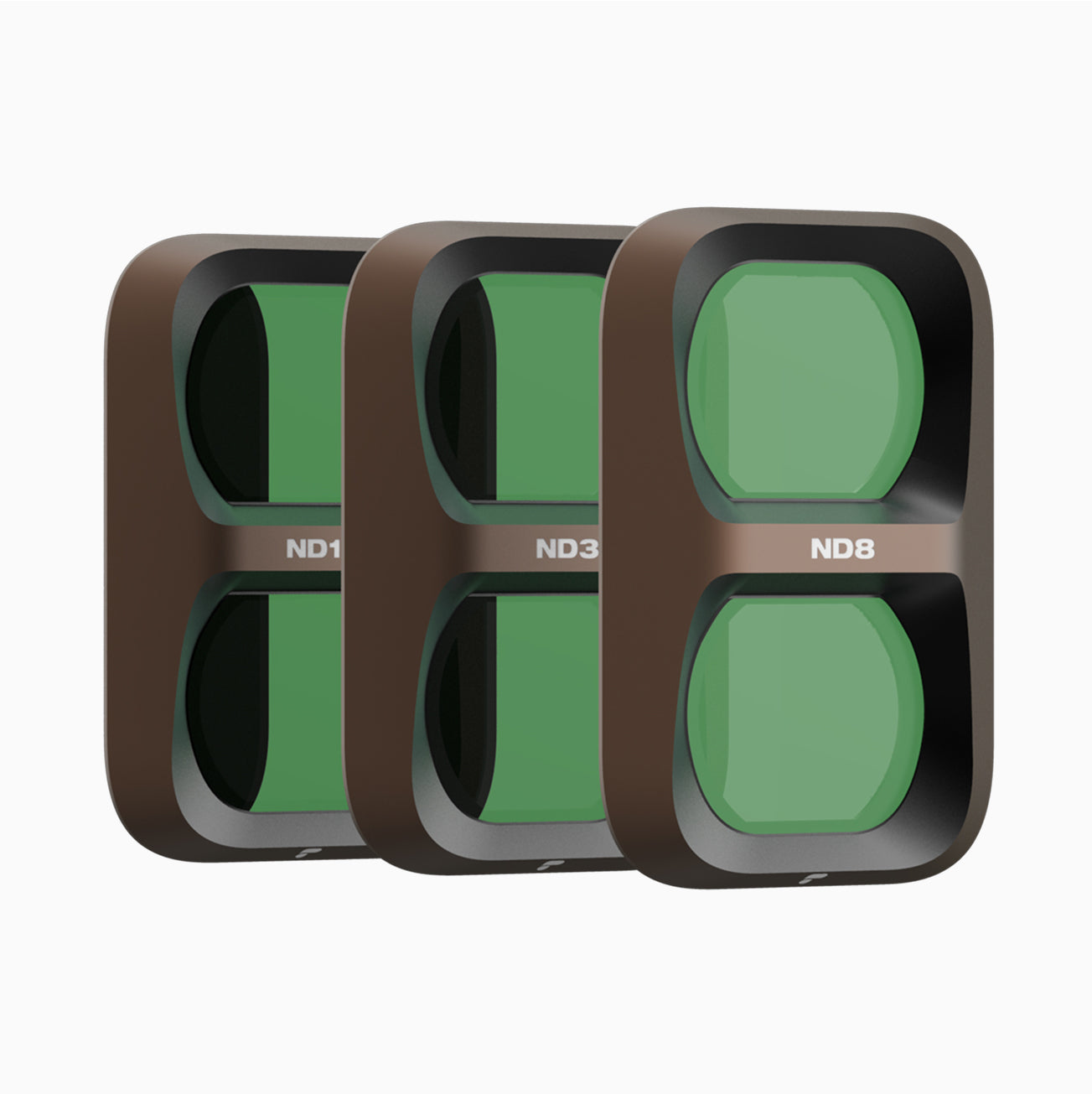
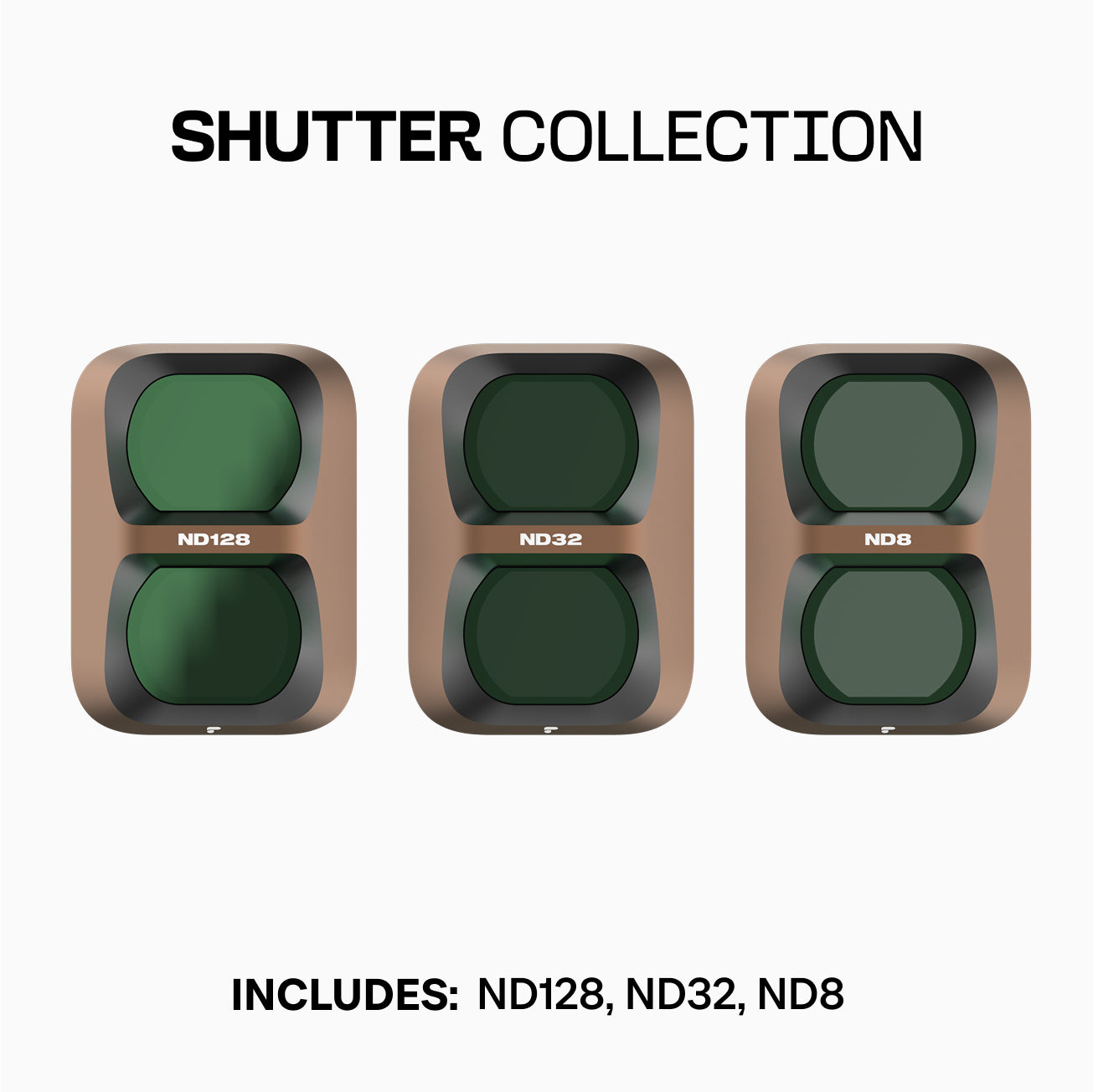
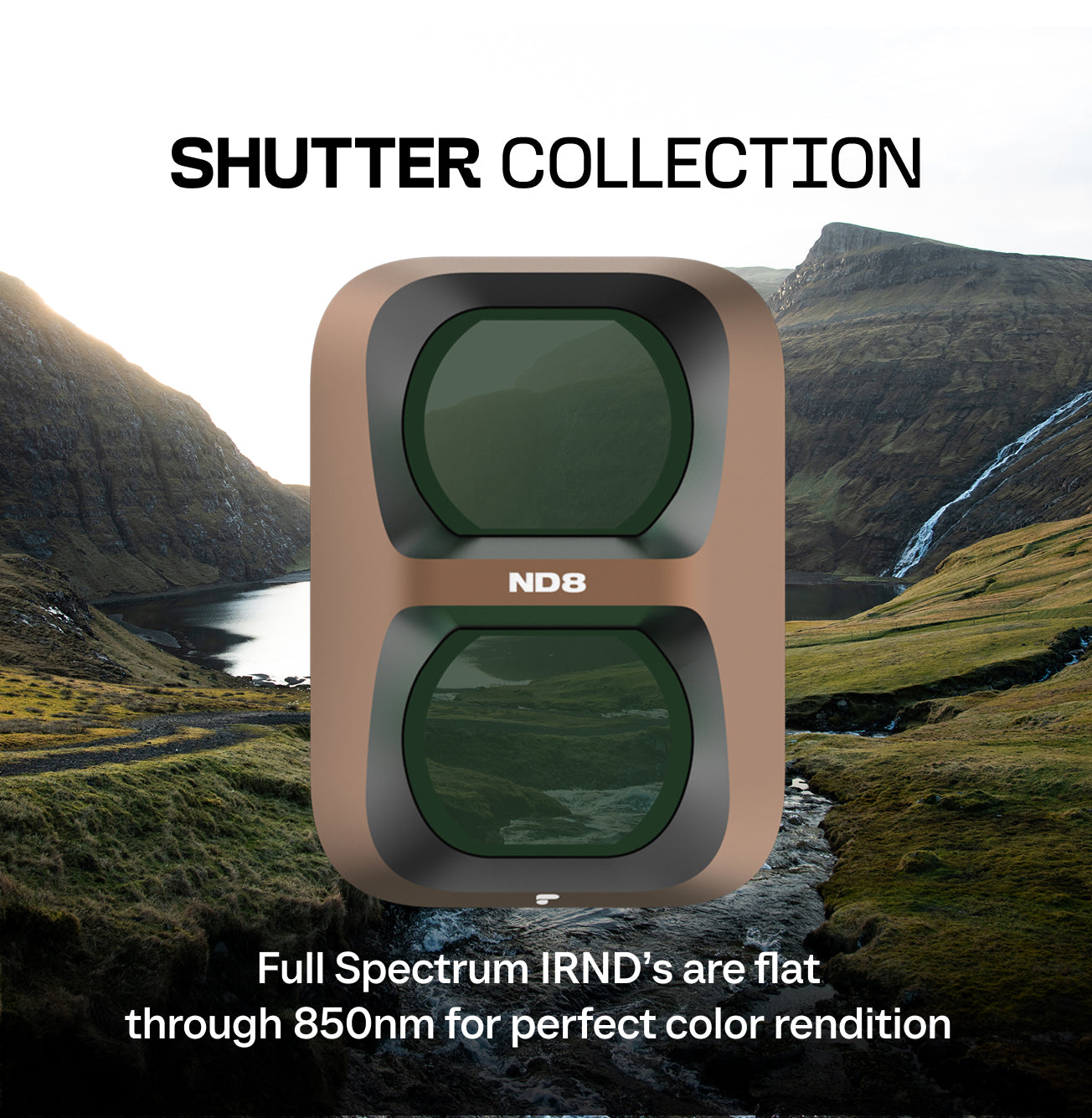
ND8
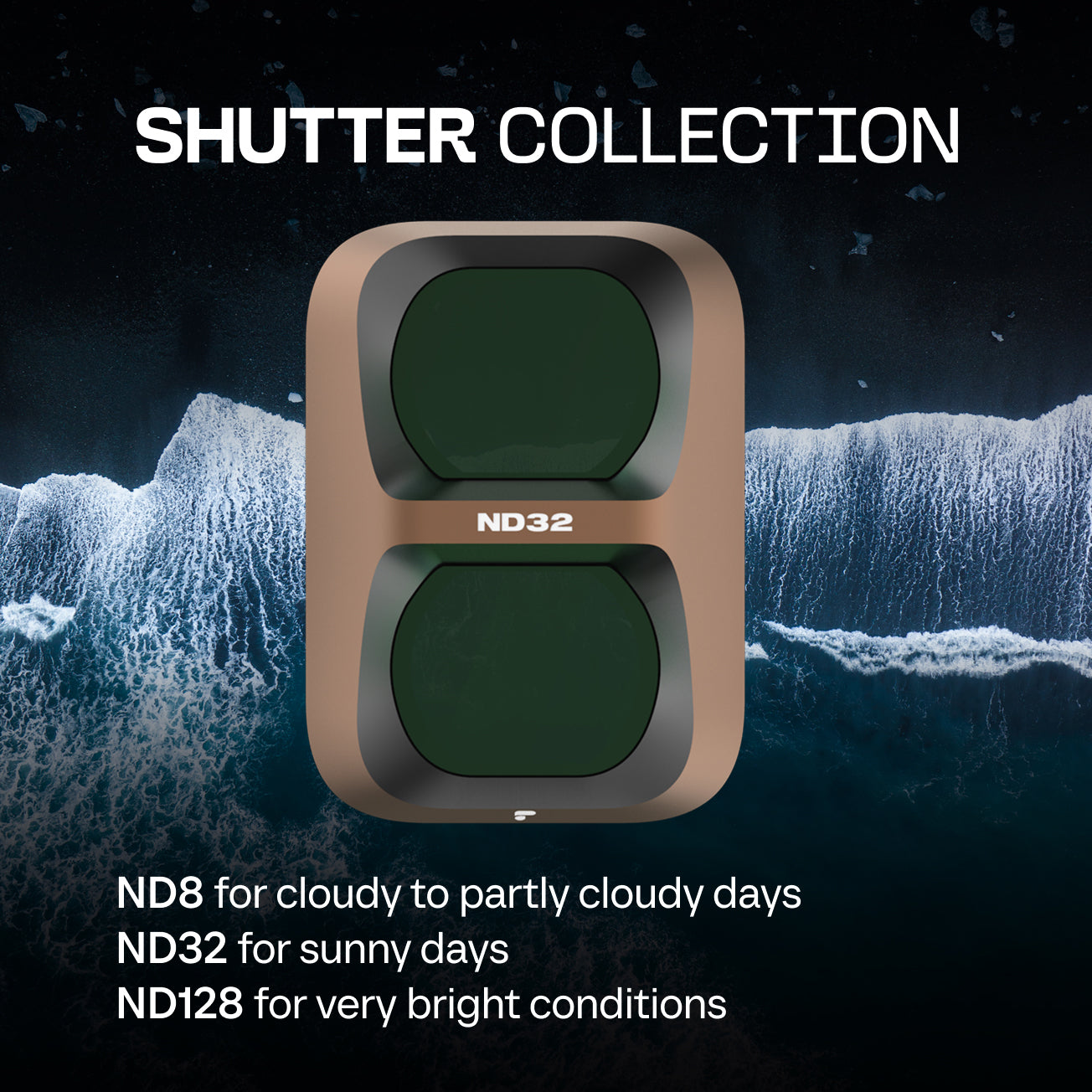
ND32
ND128
Filter Case
ND8/PL
ND32/PL
ND128/PL
Filter Case
Portra
CineGold
CineBlack
Filter Case
ND8 Black Mist
ND32 Black Mist
ND128 Black Mist
Filter Case
Works Well With
Tech Specs
FAQ
What are PolarPro Osmo Pocket 4 Pro filters used for?
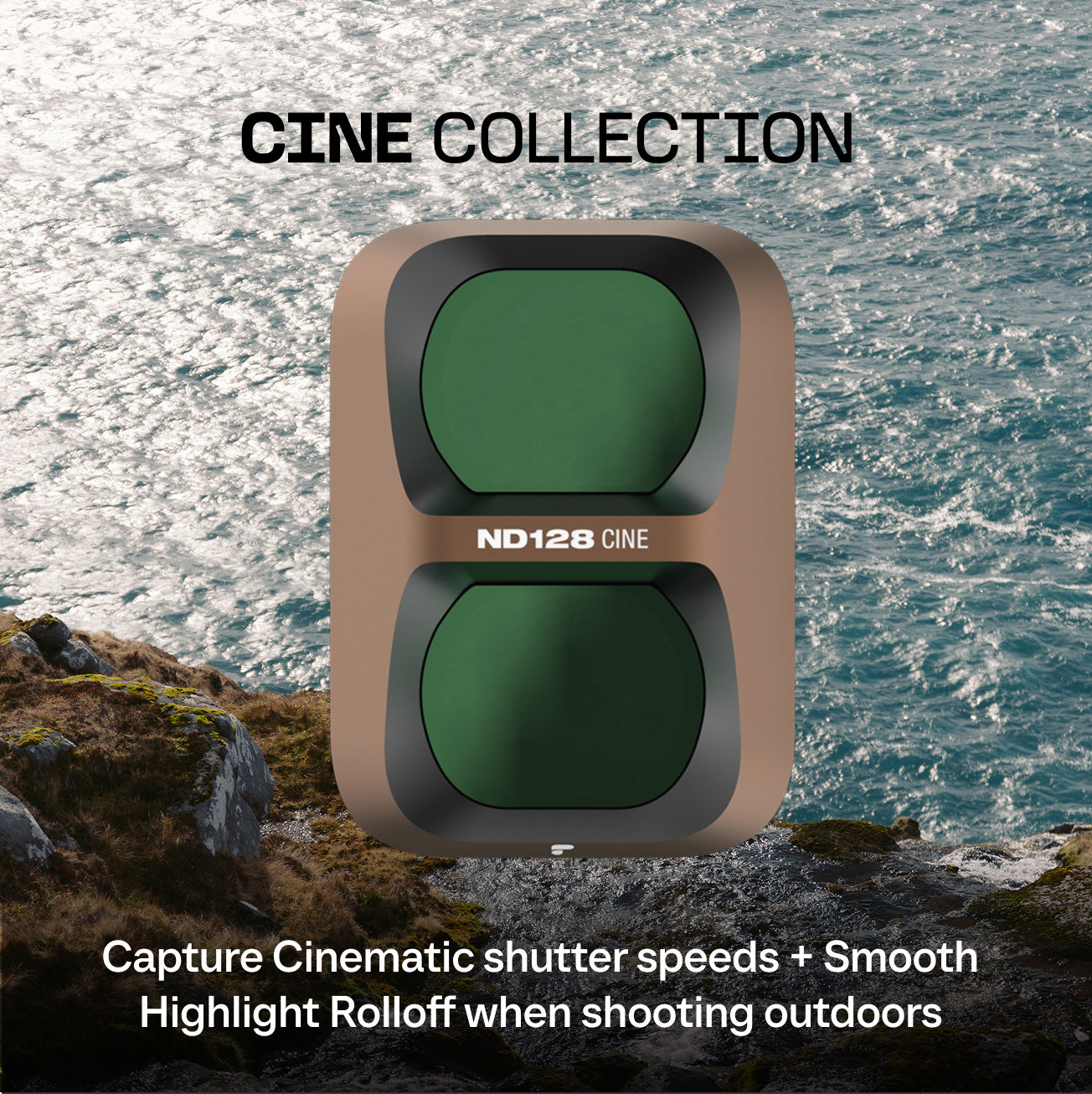
PolarPro Osmo Pocket 4 Pro filters give you precise control over shutter speed and exposure so you can capture smoother, more cinematic footage in bright or high‑contrast conditions. They help reduce glare, balance highlights and shadows, and maintain accurate color when shooting video or photos with the Osmo Pocket 4 Pro.
Are these Osmo Pocket 4 Pro filters compatible with other Osmo Pocket cameras?
These Osmo Pocket 4 Pro filters are engineered to fit the Osmo Pocket 4 Pro lens mount and are not universally compatible with older Pocket models.
What is included in the Osmo Pocket 4 Pro filter kit?
The Osmo Pocket 4 Pro filter kit includes Three Filters. The specific filters are listed on the whats included section at the top of the page.
How do I install and remove Osmo Pocket 4 Pro filters?
To install an Osmo Pocket 4 Pro filter, power off the camera, then remove the stock UV filter by rotating 15 degrees counter clock wise and remove. Then install the filter in the reverse order of removing the stock UV filter.
Do Osmo Pocket 4 Pro filters affect image quality or sharpness?
PolarPro Osmo Pocket 4 Pro filters are designed with high‑quality optical glass and coatings to minimize color cast and maintain edge‑to‑edge sharpness. They help you achieve more controlled exposure without introducing unwanted softness or distortion in your footage.
30 Day Returns
If you're hyped, we're hyped. Or your money back.
Adventure Assurance
Quality craftmanship guarantee.
Designed in Costa Mesa
By photographers and videographers.
Choosing a selection results in a full page refresh.